How Solver Works
From unboxing to daily automation in under 5 minutes. Here's exactly how Solver transforms your smartphone with a single magnetic button and the power of NFC technology.
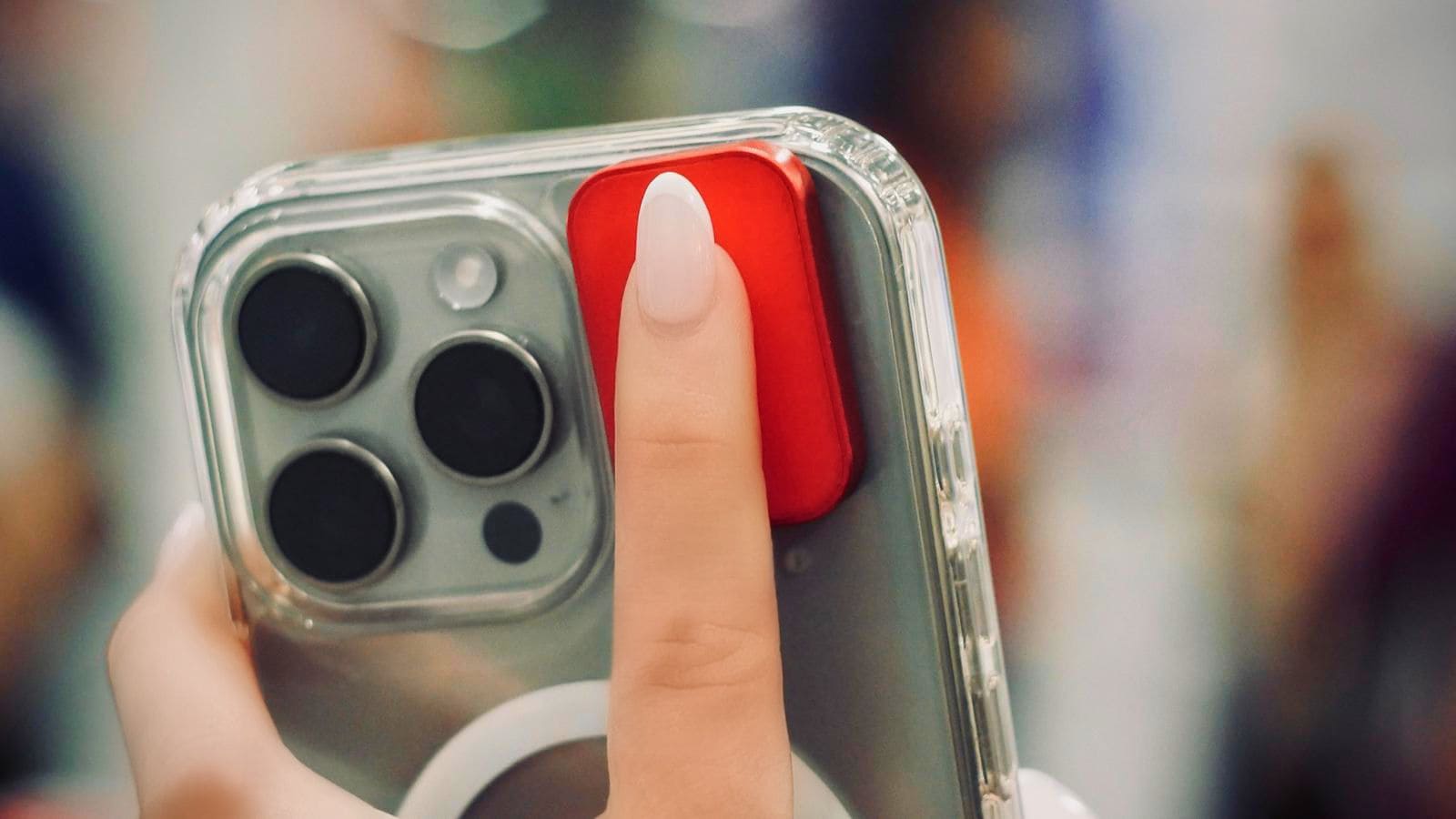
Attach to your phone
Magnetic mounting means secure attachment with easy removal. Reposition anytime without leaving residue or damage.
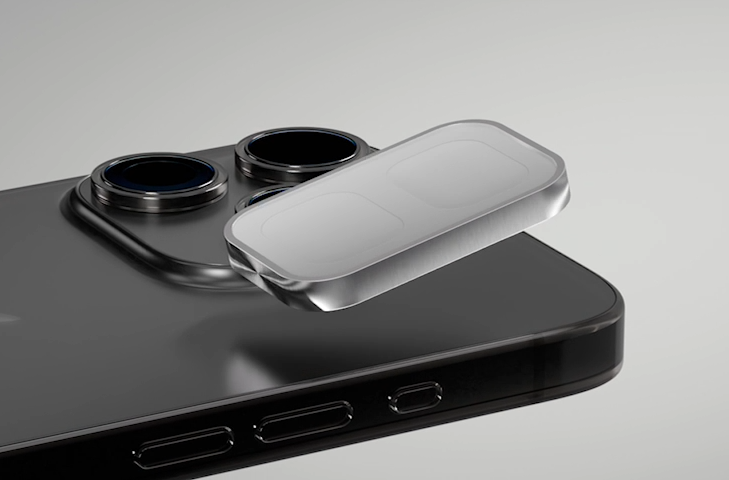
Configure your shortcuts
Download the Solver AI app for iPhone or Android. Assign actions to your Top and Bottom buttons.
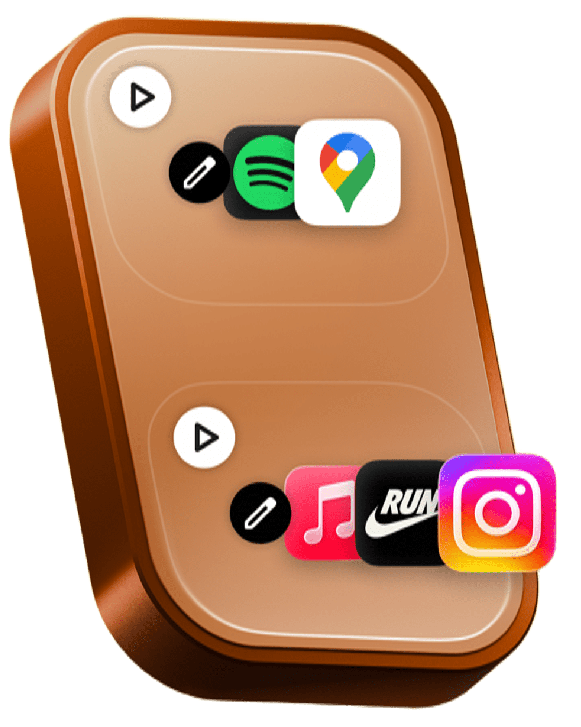
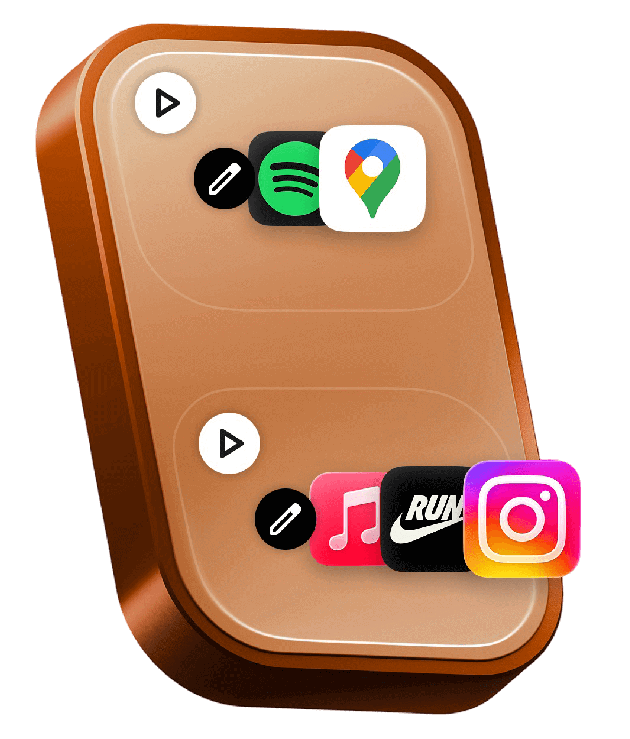
Configure buttons
Add actions to top and bottom
Execution mode
Choose how actions run
Simultaneous: All actions trigger at once
Choose an Action
Real-world automation examples
Here's how people actually use Solver across different contexts. Click each category to explore specific use cases.
Discreet SOS Alert
Send emergency message with live location to 3 trusted contacts without unlocking phone or making noise.
Incident Recording
Start video recording with screen off, upload to cloud, and notify emergency contact — all in one tap.
Share Live Location
Broadcast real-time GPS coordinates to family group chat when walking alone at night.
Discreet SOS Alert
Send emergency message with live location to 3 trusted contacts without unlocking phone.
Incident Recording
Start video recording with screen off, upload to cloud, notify emergency contact.
Share Live Location
Broadcast real-time GPS to family when walking alone at night.
Voice Memo to Text
Record voice note, transcribe with AI, save to Notes app, and set reminder to review.
Meeting Mode
Start recording, silence notifications, open Notes app, and send "In meeting" auto-reply — all simultaneous.
Quick Team Update
Send pre-written status update to team channel: "Running 10min late" or "Stepping out."
Voice Memo to Text
Record voice note, transcribe with AI, save to Notes, set reminder.
Meeting Mode
Start recording, silence notifications, open Notes, send auto-reply.
Quick Team Update
Send pre-written status: "Running 10min late" or "Stepping out."
Goodnight Routine
Lock doors, arm security, turn off lights, set thermostat, enable Do Not Disturb.
I'm Home
Unlock front door, disable alarm, turn on lights, adjust temp, start playlist.
Movie Mode
Dim lights, close blinds, turn on TV, switch to streaming, mute notifications.
Goodnight Routine
Lock doors, arm security, turn off lights, set thermostat.
I'm Home
Unlock door, disable alarm, turn on lights, start playlist.
Movie Mode
Dim lights, close blinds, turn on TV, mute notifications.
Workout Logger
Start fitness app, begin workout playlist, enable DND, log start time.
Medication Reminder
Log pill taken, set next dose reminder for 8 hours, record timestamp.
Sleep Tracking
Enable sleep mode, start sleep tracker, set alarm, turn on white noise.
Workout Logger
Start fitness app, workout playlist, enable DND, log time.
Medication Reminder
Log pill taken, set next reminder, record timestamp.
Sleep Tracking
Enable sleep mode, start tracker, set alarm, white noise.
Real life use cases
Real people using Solver in everyday situations. One tap, infinite possibilities.
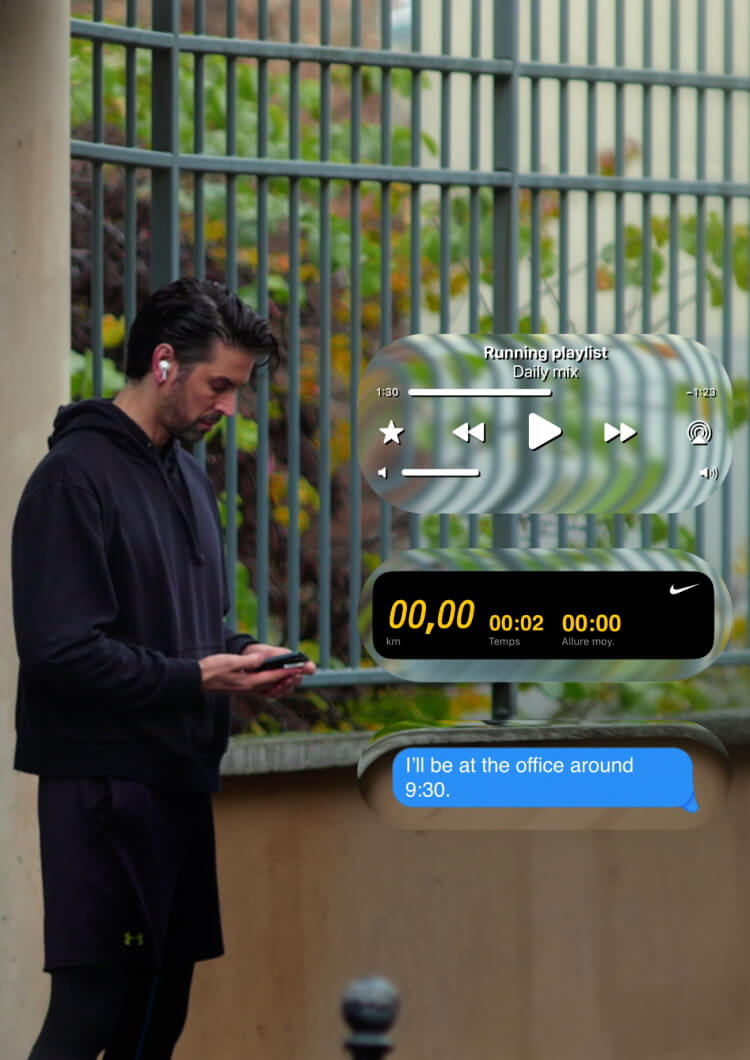
Workout mode
Start playlist, timer, send ETA message
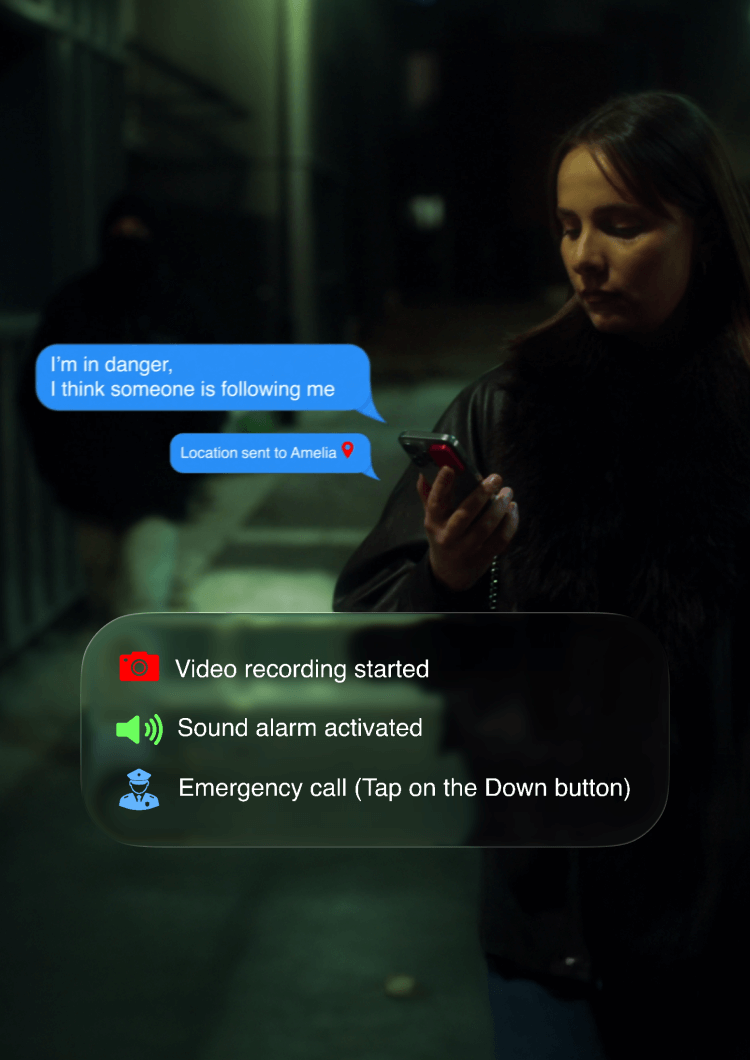
Emergency alert
Record video, send location, activate alarm
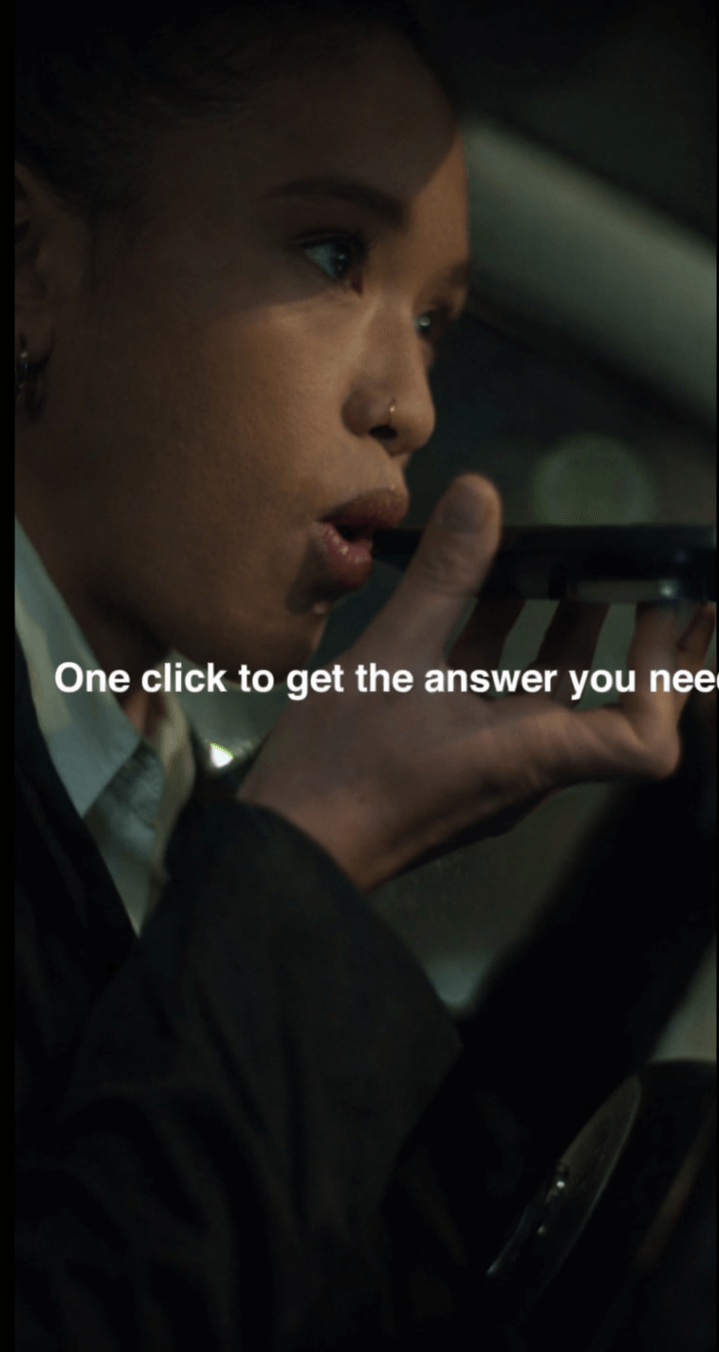
Quick voice notes
Capture ideas on the go, transcribe later

AI-powered reminders
Set reminder, send message, save location
Workout mode
Start playlist, timer, send ETA
Emergency alert
Record, send location, alarm
Quick voice notes
Capture ideas, transcribe later
AI-powered reminders
Reminder, message, location
Works with iPhone & Android
Download the Solver AI app to configure your button.
iPhone
Download Solver AI from the App Store. Works with all iPhones 12 and newer. Magnetic adhesive pad ensures secure attachment.
Android
Download Solver AI from Google Play Store. Works with all NFC-enabled Android devices. Magnetic adhesive pad ensures secure attachment.
From setup to muscle memory
Most users report the tap becoming automatic within 30 days.
Instant gratification
Your first shortcut fires within 5 minutes of opening the package. The satisfying click paired with instant action creates an immediate feedback loop.
- Download app and scan QR code
- Attach magnetic pad and Solver
- Browse 200+ pre-built shortcuts
- Trigger your first automation
Pattern discovery
By day seven, you've identified 2-3 high-frequency use cases. The morning commute shortcut. The "I'm home" trigger. These become your daily anchors.
- Refine button assignments based on usage
- Experiment with sequential mode
- Share shortcuts with family
- Notice friction in old workflows
Muscle memory achieved
The button is no longer a gadget. It's an extension of your intent. You reach for it without thinking, the way you flip a light switch.
- Tap becomes reflexive in specific contexts
- Using phone the "old way" feels inefficient
- New use cases emerge organically
- Friends notice and ask where you got it
Instant gratification
Your first shortcut fires within 5 minutes. The satisfying click creates an immediate feedback loop.
- Download app and scan QR
- Attach magnetic pad
- Browse 200+ shortcuts
- First automation
Pattern discovery
By day seven, you've identified 2-3 high-frequency use cases. These become daily anchors.
- Refine assignments
- Try sequential mode
- Share with family
- Notice old friction
Muscle memory achieved
The button becomes an extension of your intent. You reach for it without thinking.
- Tap becomes reflexive
- Old way feels slow
- New uses emerge
- Friends ask about it
Ready to automate?
Join thousands discovering the fastest path between thought and action. Setup takes 5 minutes. The habit forms in 30 days.