How it all works

The app, the agent,
the button.

Three layers, one ecosystem. Start with the app. Talk to Murmur. Add a Solver button when you want speed at your fingertips.

Three layers

Each one works on its own.
Together, they sing.

01
App

Solver AI

The home of your agent. Download, sign up or stay anonymous, and you’re ready.

Free. iOS first, Android in beta. Works without a button or an account.
02
Agent

Murmur

The personal agent you raise. Talks, acts, remembers. Reachable from the app, your lock screen, your phone’s native assistant, or Telegram.

168 connected tools. 15 voices. 13 languages.
03
Button

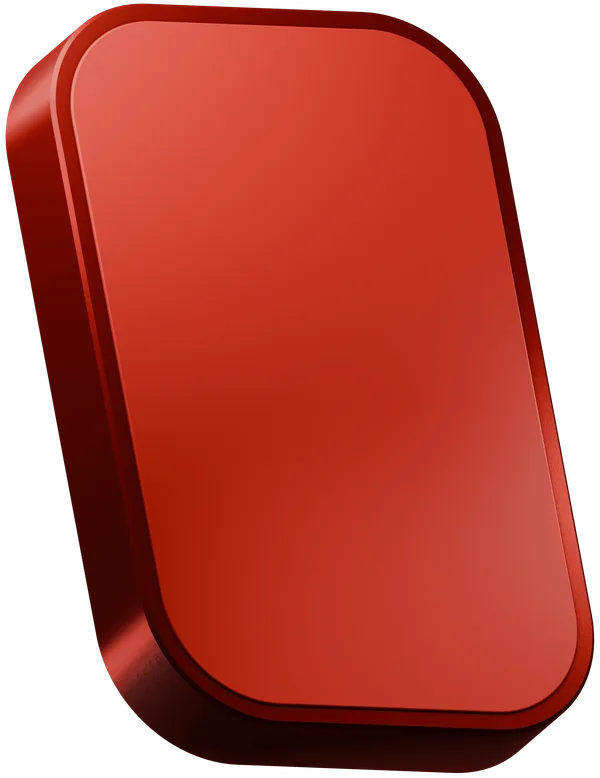
Solver button

When you want the fastest way to Murmur, snap on a magnetic button.

No charging. No Bluetooth. Eight finishes.
Interaction language

A vocabulary of
four gestures.

One finger, one button, more than you think. Each gesture is a different intent.

01

Single tap

One quick press fires the first action you assigned to the zone. Default for messaging Murmur and triggering shortcuts.

02

Double tap

Two quick presses run the second action on the same zone. Great for context-switching with one hand.

03

Long press

Hold for a half-second to record a voice note, start a live broadcast, or fire a custom routine. The phone pulses to confirm.

04

Two-button combo

Press top and bottom together for SOS Emergency. Bypasses standard routing, reaches your trusted contacts through every available channel.

More gestures, more videos, coming soon. Every press is yours to define.
Step 01

Get the app.

Download Solver AI on iPhone. Sign up with single sign-on, with email, or skip the account entirely and try anonymously.

  • One download, one tap to start
  • Sign in with SSO or email
  • Or stay anonymous, all data on device
  • A 3-act onboarding ceremony introduces your Murmur
9:41
Murmur
Online
Good morning. Ready when you are.
Move my 10am to 11.
Done. I sent your team a quick heads-up.
Ask Murmur anything...
Step 02

Talk to Murmur.

From the moment the app is open, your agent is reachable. By voice, by text, from anywhere on your phone.

  • Open the app and chat
  • Hold a Lock Screen widget for a one-tap launch
  • Say a voice command from your phone’s native assistant
  • Send a message on Telegram from anywhere
In-app Lock screen Voice Telegram
Step 03

Add a Solver button.

A small magnetic button that sticks to the back of your phone. One tap fires any action you’ve assigned. Trigger your agent, send a message, call someone, run a shortcut, share your location. Anything you can do on your phone, now in one click.

Trigger any personalized action in one tap.
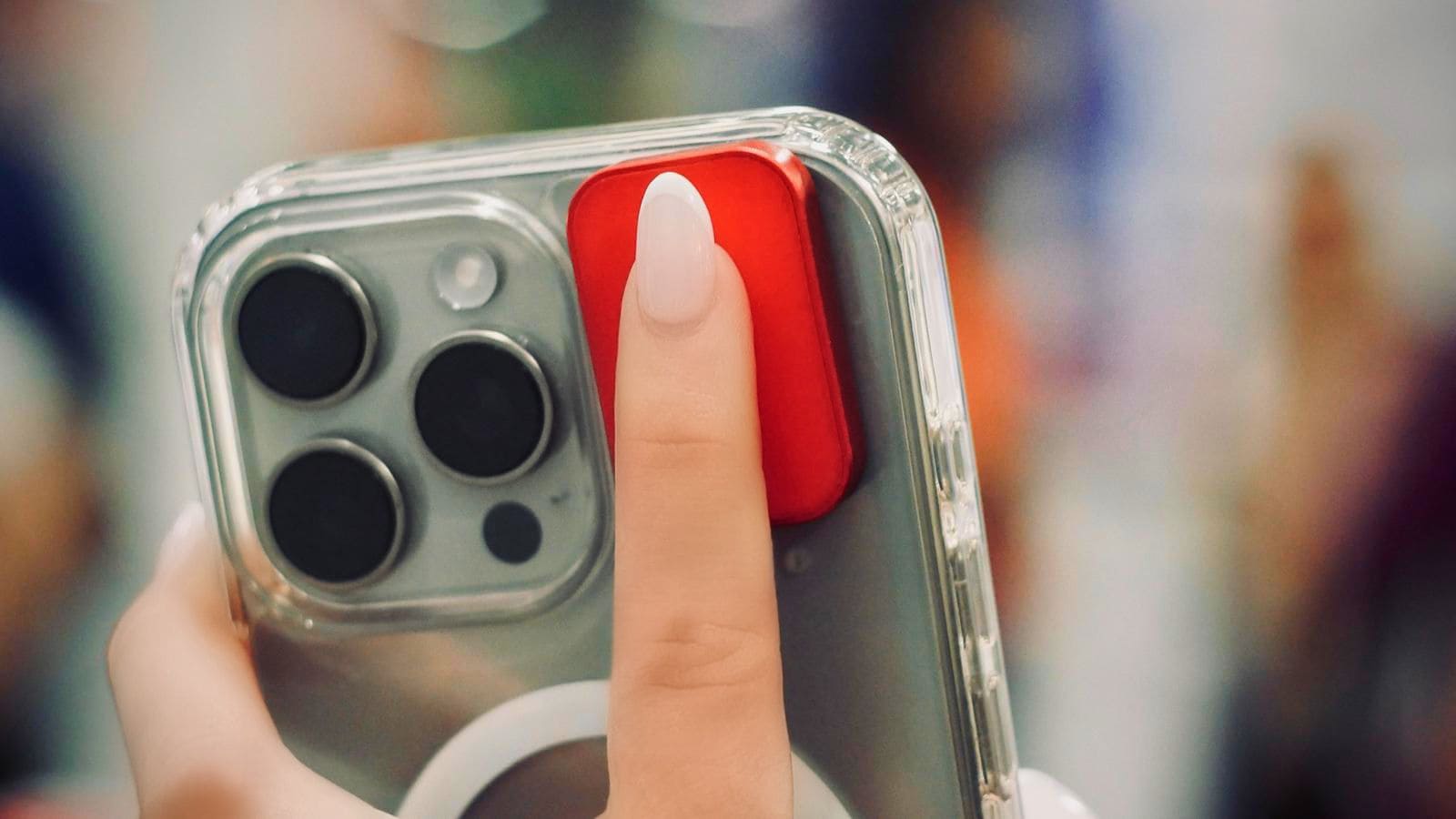
  • No battery, no charging, no Bluetooth pairing
  • Two zones, top and bottom, fully assignable
  • Works through cases, even when your screen is off
  • Eight finishes to match your phone, your style
A finger pressing the red Solver button on the back of an iPhone
Real-world examples

How people
actually use it.

Some trigger from the button. Some talk to Murmur. Most do both.

Button or voice

Discreet SOS alert

Send an emergency message with live location to 3 trusted contacts. Phone stays locked. Nothing on screen.

“I’m in danger. My location: [GPS]. Call 911 if no reply in 10min.”
Button

Incident recording

Start video recording with screen off, upload to cloud, and notify emergency contact. All in one tap.

Traffic stops. Confrontations. Accidents documented automatically.
Voice or button

Live location share

Broadcast real-time GPS to your family group chat when walking alone at night.

For late-night commutes, first dates, traveling solo.
Voice

Voice memo to text

Record a voice note. Murmur transcribes, saves to Notes, and sets a reminder to review later.

Capture ideas while driving, cooking, or running.
Button

Meeting mode

Start recording, silence notifications, open Notes, and send an “In meeting” auto-reply.

One tap turns your phone into a meeting assistant.
Voice or in-app

Quick team update

“Tell my team I’ll be 10 minutes late.” Murmur picks the right channel and sends.

No typing. Perfect for busy professionals.
Button or voice

Goodnight routine

Lock doors, arm security, turn off lights, set the thermostat, enable Do Not Disturb.

Entire bedtime routine in one second.
Voice

I’m home

Unlock the front door, disable the alarm, turn on lights, adjust temp, start a playlist.

Walk in to a perfectly prepared home.
Button

Movie mode

Dim lights, close blinds, switch to streaming, mute notifications.

Cinema experience without 5 apps.
Button

Workout logger

Start a fitness app, begin a workout playlist, enable DND, log start time.

Gym sessions with zero phone distractions.
Voice

Medication reminder

“I just took my pill.” Murmur logs it and sets the next dose reminder for 8 hours.

Never miss a dose. Complete tracking.
Button or voice

Sleep tracking

Enable sleep mode, start the tracker, set the alarm, turn on white noise.

Optimized routine for better sleep.
Your journey

From day one
to muscle memory.

Most users report the agent becoming part of their day within 30 days.

Day 1

Instant gratification

Your first interaction with Murmur happens within 5 minutes of opening the app. If a Solver button is in the box, your first shortcut fires the same evening.

  • Download the app, run the 3-act ceremony
  • Chat with Murmur in your chosen voice
  • Browse 200+ pre-built shortcuts
  • Attach a Solver button if you have one
Week 1

Pattern discovery

By day seven, you’ve found your two or three high-frequency uses. The morning briefing. The “I’m home” trigger. The “send Mom my ETA” voice command. These become your daily anchors.

  • Refine your button assignments based on use
  • Murmur starts recognizing your habits
  • Try sequential mode for chained actions
  • Share a Mood with family
Day 30+

Muscle memory

Murmur isn’t an app you open. It’s a presence you reach for. The button is no longer a gadget. It’s an extension of your intent, like flipping a light switch.

  • Tap becomes reflexive in specific contexts
  • Murmur anticipates before you ask
  • New use cases emerge organically
  • Friends notice and ask where you got it
Compatibility

Works with
your phone.

iPhone

Solver AI is available on iPhone, currently in private beta via TestFlight. The button works with iPhone 12 and newer thanks to a magnetic adhesive pad.

App Store release coming soon.
Android

Android app in active development. The button works with most Android devices via the same magnetic adhesive pad.

Sign up to be notified at launch.

Ready when
you are.

Start with the app. Add a button when you want speed.